API Key Security: How to Store, Limit and Rotate Your Keys
2026-11-05

The short version of API key security: keep keys out of code and out of the browser, store them in a secrets manager or environment variables, give each key the least access it needs, watch its usage, and rotate it the moment you suspect exposure. An API key is a password for software. Anyone who holds it can act as your application, so the work is about controlling where it lives, what it can do and how fast you can kill it.
This guide walks through each of those steps, then covers a newer problem: keys handed to AI assistants and agents, which read untrusted text and act on your behalf.
TL;DR
- An API key identifies an application, not a person, and whoever holds it can use it. Treat it like a credential, never like a configuration detail.
- Store keys server-side in environment variables or a secrets manager. Never put them in client-side code, prompts or Git repositories.
- Scope each key narrowly, set expiration where the provider allows it, and monitor usage for anything that does not match your application.
- If a key may have leaked, rotate it first and investigate second. Deleting the commit does not undo the exposure.
- For AI agents, prefer short-lived, task-scoped credentials over static keys that live forever.
Table of Contents
- What an API key does, and what it does not do
- What happens if someone gets your API key
- How to store API keys securely
- Limit permissions and monitor usage
- API keys for AI assistants and agents
- Perspective
- If a key is exposed: the first-hour checklist
- API key, OAuth or short-lived credentials?
- Run OpenClaw without managing the server yourself
- FAQ
- Sources
What an API key does, and what it does not do
An API key is a unique value that an application sends with each request. The API uses it to identify the caller, apply limits, track usage or decide whether to allow the request. That makes it a first layer of authentication: it can limit access to authorized callers, expose usage patterns, rate-limit traffic and block or throttle calls.
The limit is just as important. A key authenticates software applications rather than individual users, so it says which project is calling but not which human is behind it. Keys also tend to be generated and stored in plaintext and lack granular controls, so nothing protects them beyond the care you take. Everything below follows from that fact.

What happens if someone gets your API key
Anyone with access to a key can use it, and depending on the service that may include sensitive data. The practical consequences depend on what the key unlocks:
- Financial loss. If an unauthorized party obtains a payment provider key, they can impersonate you and carry out fraudulent activity that harms you and your customers.
- Surprise bills. Exposed AI provider keys in client-side code or public repositories can let others make requests on your behalf, causing unexpected charges.
- Lost quota and downtime. A compromised key can also drain your monthly quota and interrupt your own API access.
- Impersonation attacks. A stolen key lets an attacker pose as a legitimate client and run a range of attacks. Encrypting traffic with TLS keeps the key from crossing the internet in plaintext.
The pattern is consistent: the key does not care who is using it.
How to store API keys securely
Start with where keys should never be: source code, version control, client-side bundles, chat messages and prompts. Then use this order of preference.
- Keep keys server-side. Browser and mobile code can be inspected by anyone. Keep API keys out of client-side environments and source repositories, and route requests through your own backend.
- Use environment variables for local and simple setups. They keep secrets out of files that get committed. Add your
.envfile to.gitignorebefore the first commit, not after. - Use a secrets manager in production. Production keys belong in a managed store such as Vault or AWS Secrets Manager and should be accessed securely at runtime rather than through hardcoded files.
- Send keys in headers, not URLs. Query parameters can expose keys in URLs, browser history and server access logs. Use an
Authorizationor custom header instead. - Separate environments. Development, staging and production each get their own key, so a leak in a test project cannot touch live data.
- Avoid shared keys. One key per service, project or owner means you can tell who used what and revoke one without breaking everything else.
The same checklist appears in guidance on managing keys as sensitive credentials: store server-side, use a secrets manager, separate environments, rotate regularly and after suspected exposure, scope access to the minimum, monitor usage and revoke unused keys.
A quick audit you can run today
Search your repositories and shared documents for strings that look like keys. List every key your team owns, who created it, which system uses it and when it was last used. Delete anything with no clear owner. This one exercise usually finds a forgotten key or two, and an unused key is pure risk with no benefit.

Limit permissions and monitor usage
Storage protects the key at rest. Permissions limit the damage if it escapes anyway.
Scope narrowly. Give each key only the endpoints, models, tools or data it needs. In LLM gateways this can mean scopes, rate limits, model allowlists and tool filters. Where a provider offers read-only or restricted keys, use them for anything that does not write.
Cap spending and rate. Per-key budgets and rate limits mean a compromised agent or runaway script cannot exhaust an entire organization's monthly quota. Set a billing alert with your provider as a second net.
Expire and rotate. OpenAI recommends creating keys with expiration dates and setting up a regular rotation process. Rotation on a schedule also tests that your deployment can swap a key without drama, which matters when you need to do it in a hurry.
Monitor. Log per-request usage and review audit logs. Look for traffic at odd hours, unfamiliar IP ranges, sudden spikes or calls to endpoints your application never uses. Monitoring for usage that does not match the application is the early warning most teams lack.
API keys for AI assistants and agents
AI assistants add a wrinkle. A traditional app runs code you wrote. An agent reads emails, web pages and files, then decides what to do, and that input can be hostile. Guidance for this area is still emerging and mostly comes from vendors, but the direction is consistent.
- Prefer short-lived, task-scoped credentials. Agents should use ephemeral credentials scoped to the task, tools and data they need rather than static, long-lived keys.
- Limit the blast radius. Just-in-time credentials mean that even if an agent is compromised, the stolen credential expires quickly.
- Keep keys out of prompts and source control. Tie each key to a project, service account or owner, store it in a secret manager and rotate it on a schedule.
- Keep secrets away from the agent's process where you can. Because agents can be influenced by untrusted input, some teams use proxy injection so the secret never enters the agent's process.
- Log who did what. Record both the agent and the delegating user, and require human approval to start an agent session.
A practical rule: never paste a key into a chat with an assistant to "just get it working." Anything in a prompt can end up in logs, memory or output. If you run an assistant that connects to several model providers, create a separate key per provider with a spending cap, so one problem stays contained.
Other angles worth reading on our site: how permission-aware file access limits what an assistant can touch before it acts, how to reduce prompt injection risk in web automation, and why backups need to protect models and keys. For a broader view of how APIs connect AI systems, see our guide to APIs in AI integration.
Perspective
> When we started testing self-hosted assistants, the model was never the hard part. The hard part was the pile of credentials around it: provider keys, chat platform tokens, browser sessions, all sitting in files on a server someone had to patch, back up and watch. Every one of those is a place a key can leak.
>
> Our view is that an always-on assistant should run on its own dedicated, encrypted server, isolated from everything else you own, with updates and backups handled for you. That is how ClawBase is built: a private OpenClaw agent on a dedicated server, with daily encrypted backups and automated updates, so the people using it do not need sysadmin skills to keep their credentials in a sane place.
>
> We also think multi-model access changes the key question. With more than 50 supported models and multi-model routing, you will touch several providers. The discipline is the same for each: one key per purpose, narrow scope, a spending cap, and a rotation habit. Managed hosting removes the server chores. It does not remove the need for good key hygiene, and we would rather teach that than hide it.
>
> *Iosif Peterfi*
If a key is exposed: the first-hour checklist
Speed matters more than certainty. Stripe's guidance is to rotate a compromised key immediately, even if you are not sure anyone saw it. Twilio's incident guide asks teams to complete the response within the first hour. Combining those with common developer practice, work in this order:
- Revoke or rotate the key. Make it useless before anything else. Think of it like a house key dropped in a crowded street: deleting a photo of the key does not help, change the lock first.
- Deploy the replacement. Update your secrets manager or environment variables and restart the services that use the key.
- Review activity logs. Look at the provider's usage and audit data for unauthorized patterns during the exposure window.
- Find the exposure path. Check application and infrastructure logs to learn how it leaked: a commit, a log line, a shared screenshot, a client bundle.
- Clean up. Remove the secret from code and, if needed, clean the Git history and verify the cleanup.
- Add controls. Secret scanning on commits, narrower scopes and spending caps keep the next leak small.
- Escalate suspected fraud. If you see unauthorized charges or data access, contact the provider's security or support channel and your finance team.
One design point deserves attention before an incident: make revocation fast and cheap. If it takes a support ticket and a deployment, people hesitate to revoke when they should.
API key, OAuth or short-lived credentials?
Keys are simple, which is why they are everywhere. They are not always the right tool. Use API keys for server-to-server integrations or public APIs, and use OAuth when an app acts on behalf of an individual user with delegated authorization. Because keys only identify projects, not individual users or the people behind a project, they are a poor fit for anything that needs per-person accountability.
| Situation | Better fit | Why |
|---|---|---|
| Your backend calls a provider's API | API key in a secrets manager | Simple, server-to-server, no user involved |
| An app acts for a signed-in user | OAuth | Delegated access with user consent and scoped permissions |
| A public, read-only data API | API key with rate limits | Identifies callers and controls usage |
| An AI agent running a task | Short-lived, task-scoped credential | Limits damage if the agent is tricked or compromised |
| Many teams or tenants share a platform | Per-owner keys with budgets | Revocation and cost control stay local |
Run OpenClaw without managing the server yourself
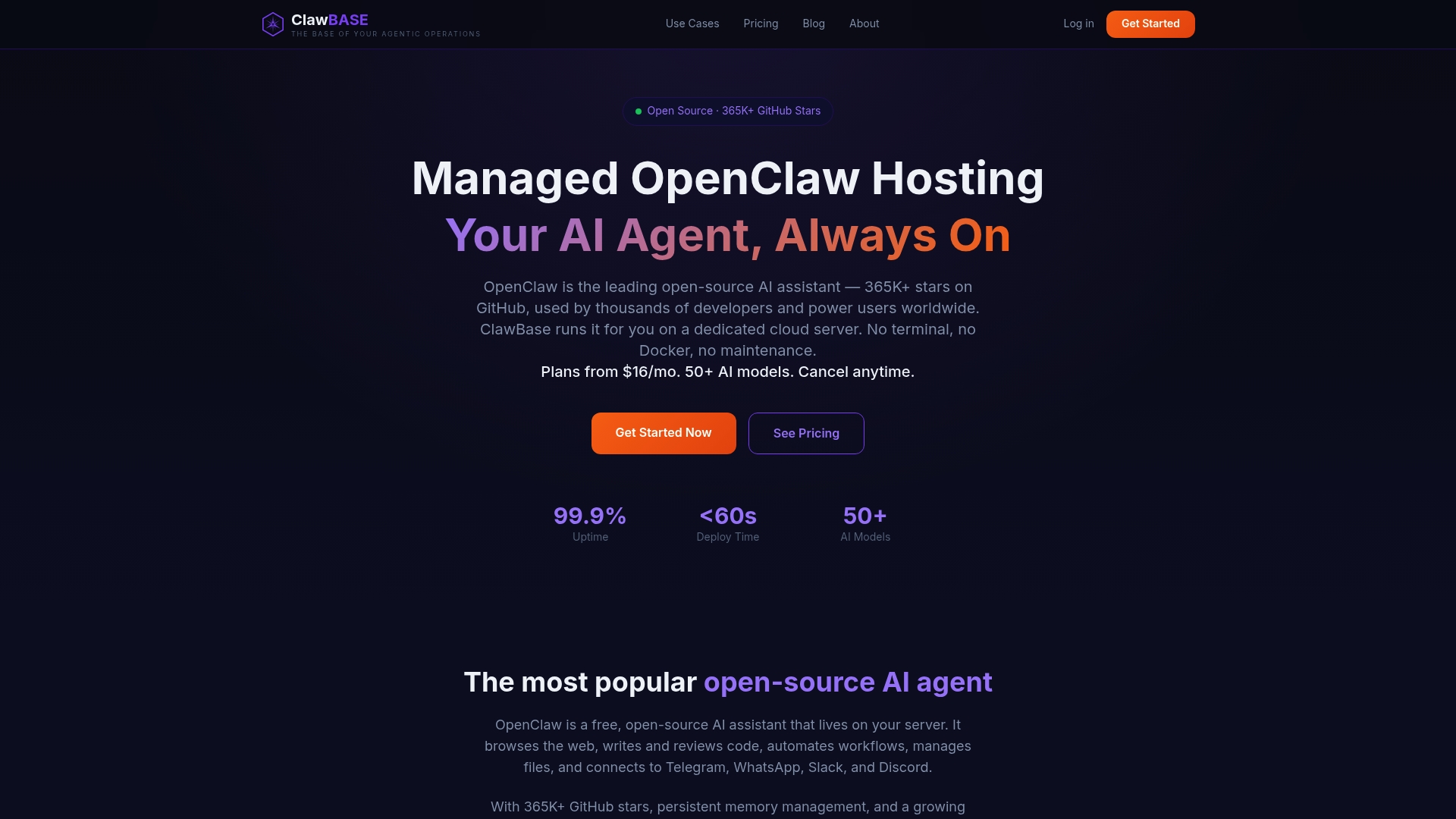
If you want a private AI assistant but do not want to harden a server, patch it and track every credential on it, ClawBase hosts OpenClaw for you. Each agent runs on a dedicated, encrypted cloud server with daily encrypted backups, automated updates and 99.9% uptime, and it connects to Telegram, Discord, Slack and WhatsApp. Plans start at $16 per month for LITE ($199 per year), with PRO at $33 per month ($399 per year) and MAX at $66 per month ($799 per year). The entry plan includes a 7-day free trial. See the ClawBase plans to compare them.
Before you commit to any host, it helps to know what to check in secure AI assistant hosting and what server encryption claims should prove. If cost drives the decision, our breakdown of AI assistant hosting costs covers the API break-even point.
FAQ
How do I keep an API key secure?
Keep it server-side, out of code, prompts and Git, and load it from environment variables or a secrets manager. Give it the narrowest permissions possible, send it in headers rather than URLs, and rotate it regularly. Monitor usage so you notice activity that does not match your application.
What happens if someone has my API key?
They can act as your application. Depending on the service, that can mean fraudulent transactions, unexpected charges, lost quota or access to sensitive data. Rotate the key immediately and review the provider's logs for activity during the exposure.
Is OAuth more secure than an API key?
They solve different problems. OAuth is built for delegated, user-consented access with scoped permissions, while a key identifies an application. For server-to-server calls a well-protected key is common and reasonable. When individual users or short-lived access are involved, OAuth or short-lived tokens fit better.
How should I manage API keys for an AI assistant?
Use one key per provider and purpose, set spending caps, and never paste keys into prompts. Where possible, use short-lived credentials scoped to the task, and log which agent and which user triggered each action. Rotate on a schedule and immediately after any suspected exposure.
Sources
- What is an API key? Security uses explained (Auth0)
- API keys: Weaknesses and security best practices (TechTarget)
- What Is an API Key? (IBM)
- User Notice: API Key Security (Stripe)
- Best practices for API key safety (OpenAI Help Center)
- What is API security? (Cloudflare)
- Getting and Using API Keys (Airbyte)
- How to Set Up Virtual Keys for LLM Access Control
- API keys and service accounts governance (Harmonic Security)
- API Key Management Best Practices for Multi-Tenant Apps (Corsair)
- How to manage API keys, tokens, and secrets for AI agents (WorkOS)
- API key management for AI agents: 2026 guide (Authsome)
- Best practices for managing secret API keys (Stripe)
- Incident response for credential exposure (Twilio)
- How to Fix a Leaked API Key (freeCodeCamp)
- When to Use API Keys (Zuplo)
- What is an API key? (Contentful)