PDF Summarization Agent: How It Works and How to Build One
2026-11-11

A PDF summarization agent is an AI assistant that reads a document, pulls out what matters for a specific reader, checks its own output against the source, and delivers the result where you work, such as a Telegram or Slack chat. A basic AI PDF summarizer answers one question: what does this file say? An agent answers a better one: what do I need from this file, and is the answer right? Below, we walk through the workflow, the checks, the limits of long files, and how to run an agent of your own without touching a server.
TL;DR
- A summarizer returns a condensed version of a file. An agent adds a goal, a reader, a check against the source and a place to deliver the result.
- For long PDFs, work in stages: prepare, map, extract, summarize, verify. Do not paste 300 pages into one prompt and hope.
- Check every number, name and date in a summary against the cited page before you act on it.
- Privacy matters more than speed: know where your file goes before you upload a contract or financial report.
- ClawBase hosts OpenClaw for you on a dedicated, encrypted server, so a private PDF agent is running in one click. The entry plan has a 7-day free trial.
Table of Contents
- What a PDF summarization agent actually is
- The five-stage workflow for summarizing a PDF with AI
- Handling a long PDF without losing detail
- How to check whether a summary is accurate
- What an agent can do with a PDF beyond a summary
- How developers wire PDF summarization into larger systems
- Privacy: what to check before you upload a PDF
- Our perspective
- Run your own PDF summarization agent on ClawBase
- A starter prompt you can adapt
- FAQ
- Sources
What a PDF summarization agent actually is
Most people meet PDF summarization as a web page with an upload box. You drop in a file, wait, and get a paragraph or a bullet list. Developer-facing versions of the same idea expose APIs, MCP servers and command-line tools so that an agent can pull a summary into a larger workflow. That is the first hint of where the category is going: the summary is no longer the product, it is a step.
An agent differs from a one-shot summarizer in four ways:
- It has a goal. The same 80-page report produces different valid summaries for a CFO, a lawyer and an engineer. An agent is told who the reader is and what decision the summary supports.
- It works in passes. It maps the document, extracts evidence, drafts, and then re-reads to find gaps.
- It can act. Once it has the summary, it can save a file, post to a channel, update a note or draft a reply.
- It remembers. With persistent memory, it knows you prefer a five-bullet brief with page references, and that last week's report is the one to compare against.
Think of it as the difference between asking a stranger to skim a report and handing it to a colleague who knows your project. The colleague is better because of context, not because of a bigger vocabulary.
The five-stage workflow for summarizing a PDF with AI
We have tested this sequence on reports, contracts, papers and slide-deck exports. It works with any capable model, and it is the sequence we build into our own agent prompts. Each stage is short. Skipping one is where most bad summaries come from.
1. Prepare the file
Make sure the PDF has selectable text. A scan is just a picture of text, and a model that cannot read it will either return nothing or guess. Run OCR first, or use a model with vision input. Remove password protection, and if the file is too large to upload, split it along chapter boundaries rather than at arbitrary page counts. If a report is spread across several files, merge them so the agent sees one document.
Garbage in, garbage out applies to documents as much as to data. If you want a broader view of why document-quality checks before summarizing save time later, that is worth a read.

2. Build a document map
Before asking for any summary, ask the agent for a table: one row per section, with the page range, the purpose, the central claim, the key numbers and the stated limitations. Then compare it to the PDF's own table of contents. If a chapter is missing from the map, it will be missing from the summary too.
The map is your coverage checklist. It also lets you target later questions: "Summarize only the sections on risk and pricing" is far more reliable than "summarize this."
3. Extract evidence with locations
Now ask for a table of claims, numbers, dates, risks and recommendations. Every row needs a page number. This single rule changes the quality of everything downstream, because a claim with no location is a claim you cannot verify.
For a contract, the extraction table might hold parties, term, renewal, termination notice, payment terms, liability caps and unusual clauses. For a research paper: the question, the method, the sample, the main result, the effect size and the stated limits.
4. Summarize for one reader
Only now do you ask for the summary, and you name the reader and the decision. Compare these two instructions:
- "Summarize this PDF."
- "Summarize this vendor contract for a small-business owner deciding whether to sign this week. Lead with cost, lock-in and anything unusual. Max 200 words, cite page numbers."
The second produces something you can use. The same logic applies to handoffs between roles: a summary for an executive, an analyst and an engineer should differ in what comes first. For a practical take on AI workflow automation steps that shape output to the person receiving it, that guide covers the general method.
5. Verify and revise
The last pass is where an agent earns the name. It drafts a summary, checks each statement against the extracted evidence, flags anything unsupported and re-reads the relevant pages. Then you check the highest-value claims yourself. More on that below.
Handling a long PDF without losing detail
A long PDF fails in predictable ways. The model's context fills up, the middle of the document gets less attention, tables lose their structure, and figures get ignored. The fixes are mechanical:
- Split along natural seams. Chapters, sections and appendices make better chunks than fixed page counts.
- Summarize in layers. Summarize each chunk against the same extraction template, then summarize the summaries. Keep the page references through every layer.
- Treat visuals separately. Charts and scanned pages are less reliable. Ask the agent to describe each one and expect to verify more of them.
- Use a second pass for gaps. Ask: "What in the source is not represented in this summary? List caveats, exceptions and negative results."
There are also practical file limits to know before you upload. Every general-purpose tool has them, and they vary by product and plan and change often. Check the current page size, file size and upload-count limits of whichever tool you use. When you run your own agent, you control the pipeline, so you can chunk by section instead of fighting a cap.
How to check whether a summary is accurate
A fluent summary is not an accurate summary. The most common failures are quiet ones: a hedge removed ("may reduce" becomes "reduces"), an exception dropped, a number attached to the wrong unit, or an inference presented as something the document said.
A review routine that takes five minutes:
- Split the summary into single claims. One sentence, one claim.
- Open the cited page for each key claim. If there is no citation, search the PDF for the phrase or drop the claim.
- Check numbers, names and dates exactly. Confirm the unit and what the number is a percentage of.
- Label each claim. Supported, partly supported, unsupported, contradicted, or inference. Inference is fine, as long as it is labeled as inference.
- Scan for omissions. Look at the source's caveats, conditions and negative results. Did any survive?
- Log discrepancies. If the summary will feed a decision or a publication, keep a short note of what you changed.
This is not busywork. It is how you turn "the AI said so" into "the document says so, on page 41."
What an agent can do with a PDF beyond a summary
Once the document is parsed and indexed, a summary is just the simplest output. An agent connected to your chat apps and files can do much more:
- Answer questions about a file and cite the passage each answer came from.
- Extract structured data, such as invoice totals, due dates or clause lists, into a table or spreadsheet.
- Compare documents, for example this year's report against last year's, listing what changed.
- Translate a file or a section while keeping the structure.
- Draft follow-ups, such as a reply email, a meeting agenda or a task list based on the action items it found.
- Tag and file documents so they are findable later. We cover that in our piece on AI document tagging.
- Run on a schedule, for instance summarizing every report that lands in a folder and posting a brief each Monday.
For concrete patterns, see our AI document management workflow examples and the guide on how to delegate research tasks to AI.
How developers wire PDF summarization into larger systems
If you build rather than chat, the pattern is consistent: ingest, extract text, call a model, store the result, retry on failure. Microsoft's sample uploads PDFs to blob storage and runs them through Durable Functions, which extract text with a document-recognition service and send it to a language model. The summary lands in an output blob, and the orchestration layer handles retries.

Agent frameworks follow the same shape with a different front door. In IBM's tutorial, a supervisor agent passes an uploaded file to a parsing service, which returns structured JSON with tables, text, key-value pairs and metadata back to the agent for presentation.
Both designs reveal the real engineering work: parsing and orchestration, not the model call. That is the part a managed host takes off your plate.
Privacy: what to check before you upload a PDF
Every online summarizer sends your file to someone else's servers. Before you upload, ask four questions:
- Is this file mine to share? Contracts under NDA, client records and employee data often are not.
- Is it kept, and for how long? Retention differs by product, plan and where you upload.
- Could it be used for training? Look for an explicit statement on the provider's own page.
- Who can access it inside my organization? Team accounts and shared projects change the answer.
For sensitive material, a private deployment is the cleaner answer than a ban on AI. We explain the reasoning in managed AI privacy, and the controls that decide what an agent may open in permission-aware file access. If you handle European personal data, our checklist on GDPR-compliant AI hosting covers the priorities for IT teams.
Our perspective
> We built ClawBase because we kept seeing the same pattern. People found a summarizer, loved the first result, and then hit a wall: the file was too long, the data was too sensitive, or the answer lived in a browser tab nobody opened again.
>
> An agent fixes the workflow, not just the output. It sits where you already talk, in Telegram, Discord, Slack or WhatsApp. You forward a PDF and ask for what you need. It remembers your preferences, so the tenth summary is better aimed than the first.
>
> OpenClaw is the open-source assistant underneath, and it is powerful. The hard part is running it: servers, updates, backups, security. We handle that on a dedicated, encrypted server per user, so the agent is private and always on, and you never touch a terminal.
>
> Model choice matters too. Different documents suit different models: a fast, cheap one for first-pass extraction, a stronger one for the final brief. With access to 50+ models and multi-model routing, you can match the model to the job. See what multi-model AI support means in practice.
>
> Our advice is simple: start with one recurring document type, write down who reads the summary and what they decide, and let the agent learn that loop.
>
> *Iosif Peterfi*
Run your own PDF summarization agent on ClawBase
ClawBase gives you a managed OpenClaw agent on a dedicated, encrypted cloud server, deployed in one click, with no sysadmin skills needed. It has persistent memory, connections to Telegram, Discord, Slack and WhatsApp, daily encrypted backups, automated updates and 99.9% uptime. Point it at your PDFs, give it the five-stage routine above as its standing instructions, and forward files whenever you need a brief.
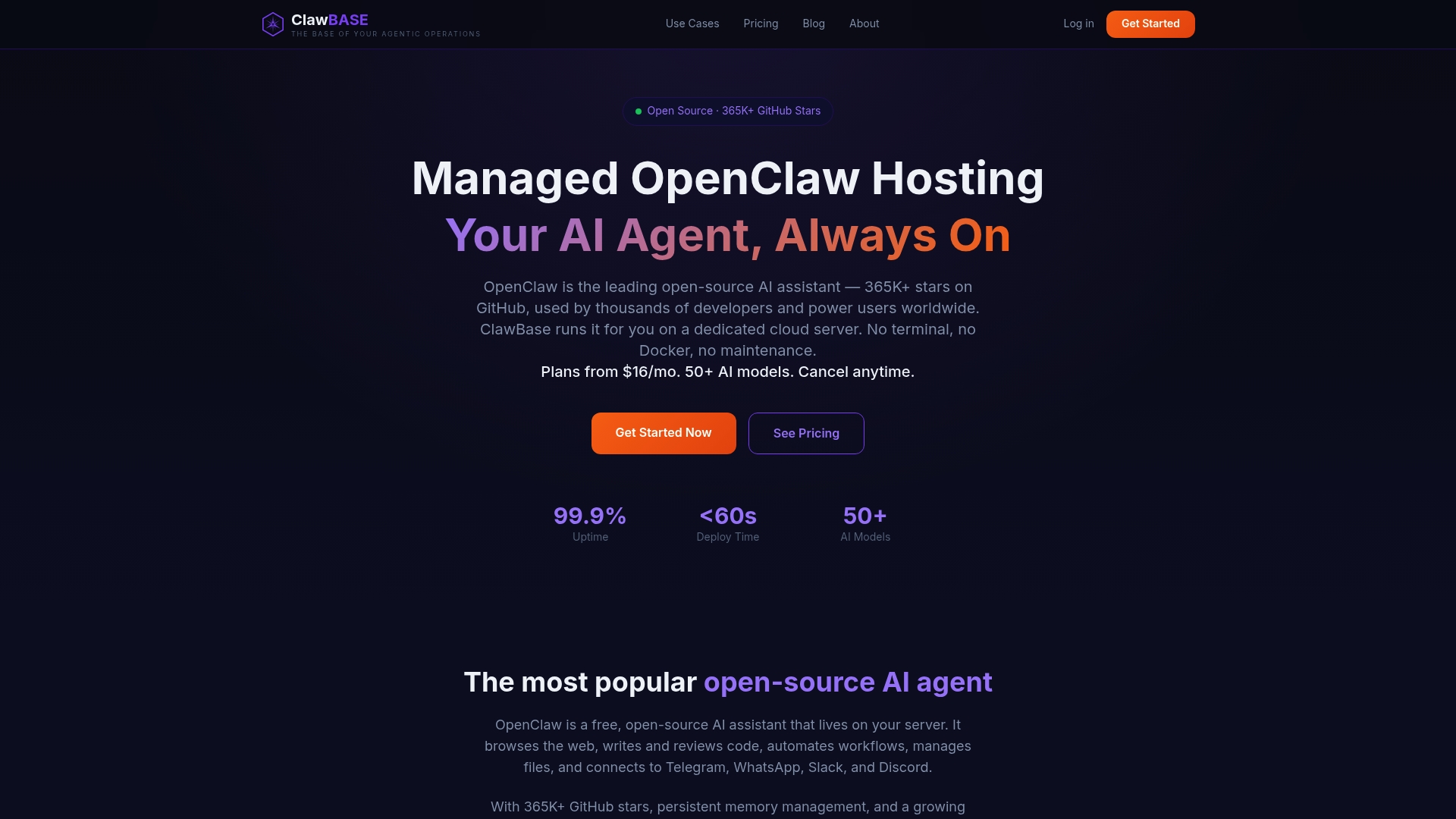
Plans on the pricing page are LITE at $16 per month or $199 per year, PRO at $33 per month or $399 per year, and MAX at $66 per month or $799 per year. The entry plan includes a 7-day free trial, and you can pay by credit card or cryptocurrency. If you want a guided start, the setup tutorial walks through your first agent, or you can begin at clawbase.to.
A starter prompt you can adapt
Paste this into your agent as a standing instruction, then edit the bracketed parts:
When I send a PDF:
1. Build a document map: section, page range, central claim, key numbers, limits.
2. Extract claims, numbers, dates and risks into a table with page numbers.
3. Write a summary for [reader] who must decide [decision].
   Lead with [priority]. Maximum [length]. Cite page numbers.
4. Re-check every number and name against the source.
   Mark inferences as inference.
5. List anything in the source the summary leaves out.
Students can swap the reader for "me, studying for an exam" and ask for key terms and practice questions; our exam prep workflow shows how. Teams chasing time savings will find more in reducing manual work with AI agents. And for the habit of questioning what the model gives you, see AI critical thinking support.
FAQ
What is the difference between a PDF summarizer and a PDF summarization agent?
A summarizer takes a file and returns a shorter version. An agent adds a goal, a target reader, multi-step checking against the source, memory and the ability to deliver or act on the result. It is a reusable capability rather than a one-time prompt.
Can AI summarize a very long PDF accurately?
Yes, if you do not feed it in one lump. Split the file along chapters, build a document map, extract evidence with page numbers, summarize in layers and run a verification pass. Scanned or chart-heavy files need more manual checking.
Is it safe to upload confidential PDFs to an AI tool?
Only if you know where the file goes and how it is stored. Avoid putting contracts, medical records, employee data or NDA material into a general-purpose account. A private, dedicated deployment keeps documents on infrastructure assigned to you, and for regulated data you should confirm requirements with your compliance or legal team.
How do I know the summary is not missing something important?
Ask the agent to list what the source contains that the summary omits, and compare its document map with the PDF's table of contents. Then open the cited pages for your highest-stakes claims. Omitted caveats and softened hedges are the usual culprits.
Sources
- Best AI PDF Summarizer Tools in 2026, Firecrawl
- Intelligent PDF Summarizer code sample, Microsoft Learn
- Build a document processing workflow using Docling Serve, IBM Developer